Water
Every Rust map is surrounded by ocean. RustEdit draws Rust's own ocean, with its waves, colors and reflections, and the game's under-water look when the camera dives in.
The sea level
The ocean's surface is at height 0. Terrain above 0 is land, and terrain below 0 is under the sea. RustEdit has no setting to move the sea level: shape the terrain instead. See Height tools.
To make a bay or a lagoon, lower the terrain below 0 where it meets the sea.
A hole below 0 inland, away from the sea, stays dry in the scene view. The sea does not fill it.
Hide the water
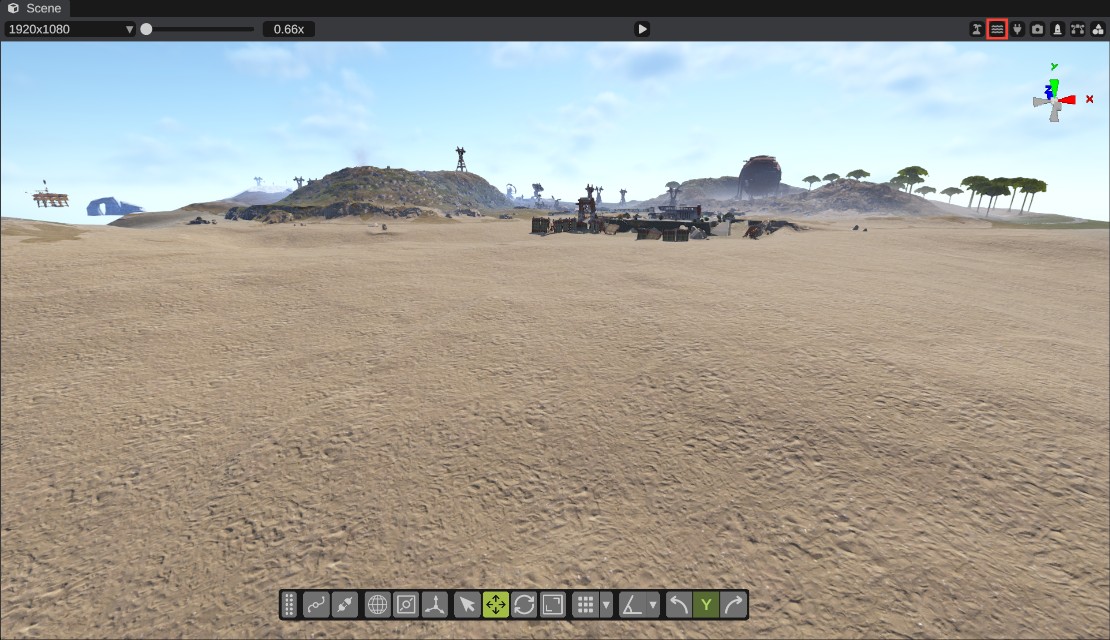
Click the water button in the scene view's header (Toggle Water Visibility). The water disappears, so you can see and work on the sea floor. Click it again to show the water.
This only changes what you see. The water is still there in the map and in the game.
Waves
The size of the waves comes from the weather. To set it yourself, move Ocean Waves (0 to 10) in the Weather section of the Time and Weather panel. Click Reset to Defaults to let the weather set it again.
Water quality
Two graphics settings change how the water looks:
| Setting | What it does |
|---|---|
| Water Quality | Low, Medium or High. On Low, the waves do not move. |
| Water Reflections | Reflections of the sky on the water. |
Tropical water
The tropical button in the scene view's header switches the map to Rust's tropical look. The ocean then gets the tropical colors near the shore. This only changes what you see. See Tropical terrain.
Under water
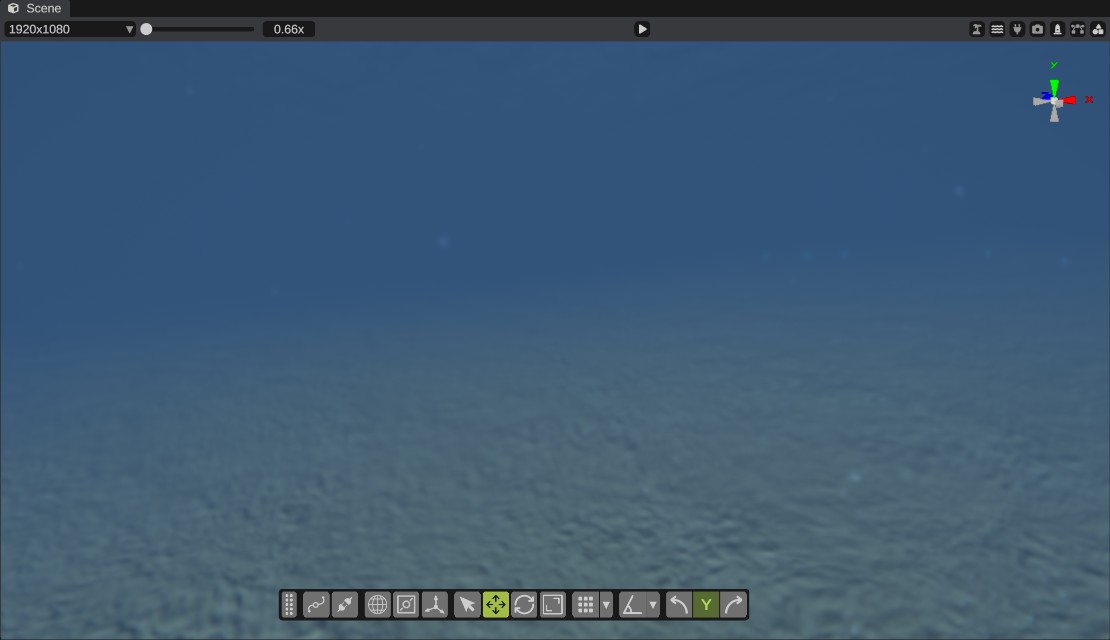
When the camera goes below the water surface, RustEdit shows the game's under-water view:
- The water's fog and color close in around the camera.
- The view blurs and wobbles a little.
- Small specks float in the water around the camera.
- The light changes with the depth.
When the camera crosses the surface, a water line can show at the edge of the view, as in the game. It only shows for a moment, when a wave passes the camera.
This works with the normal scene camera and when you walk the map in Play mode.
Rivers
Rivers are paths. Draw them with the river path type. See Path types.